Unrestricted AI Text-to-Image Generator
Turn words into original images. Describe your subject, setting, style, lighting and composition to explore photography, illustrations, character concepts, product scenes and social visuals. No photo upload required.
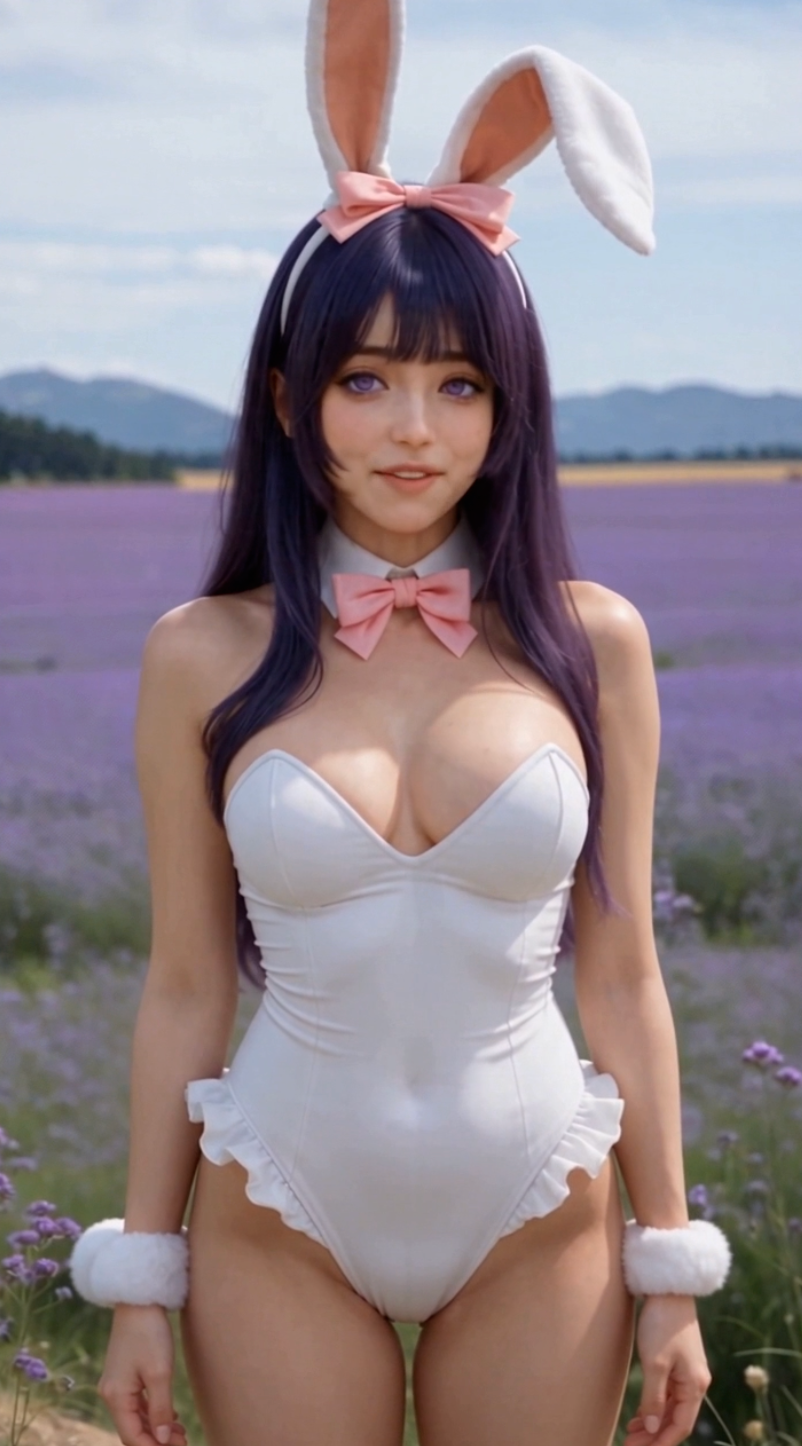
Create in three steps
From words to original images
Explore cinematic portraits, watercolor illustrations, product concepts, fantasy worlds and social visuals. Your prompt defines the direction.
Describe your image
Enter your subject, setting and visual style. Add lighting, colors and composition for more precise direction. No image upload is needed.
Choose a model
Choose an available image model and review the generation settings and credit cost before submitting.
Generate and refine
Generate your image, review the result and refine one detail at a time. Try a different model to explore another interpretation.
Creation examples
Frequently asked questions
Do I need to upload a photo?
No. This is a text-to-image play. Describe the image you want and choose a model to begin.
Does unrestricted mean unlimited free generations?
No. It means you can describe your creative direction without a fixed scene template. Credit costs, output specifications and content requirements depend on the platform and selected model. Models retain their own limitations.
How can I write a better prompt?
Describe the subject, setting, style, lighting and composition. For example: a ceramic perfume bottle on pale stone, soft window light, minimalist product photography, centered composition. Put essential details first and refine one detail at a time.
Why does the result differ from my description?
Generation is not an exact copy of your mental image. Simplify crowded scenes, move essential details to the start and remove conflicting instructions. For text inside an image, specify the exact wording in quotation marks and check the spelling in the result.
Which size and generation settings should I use?
Use the options shown for the selected model. Available dimensions, quality and credit costs can vary by model. Review the displayed settings before generating; mentioning a size in the prompt does not replace the output settings.