Turn Your Drawing into a GIF
Upload an illustration or a child's drawing and describe one action. Create a short looping GIF that preserves your character, colors and hand-drawn charm.
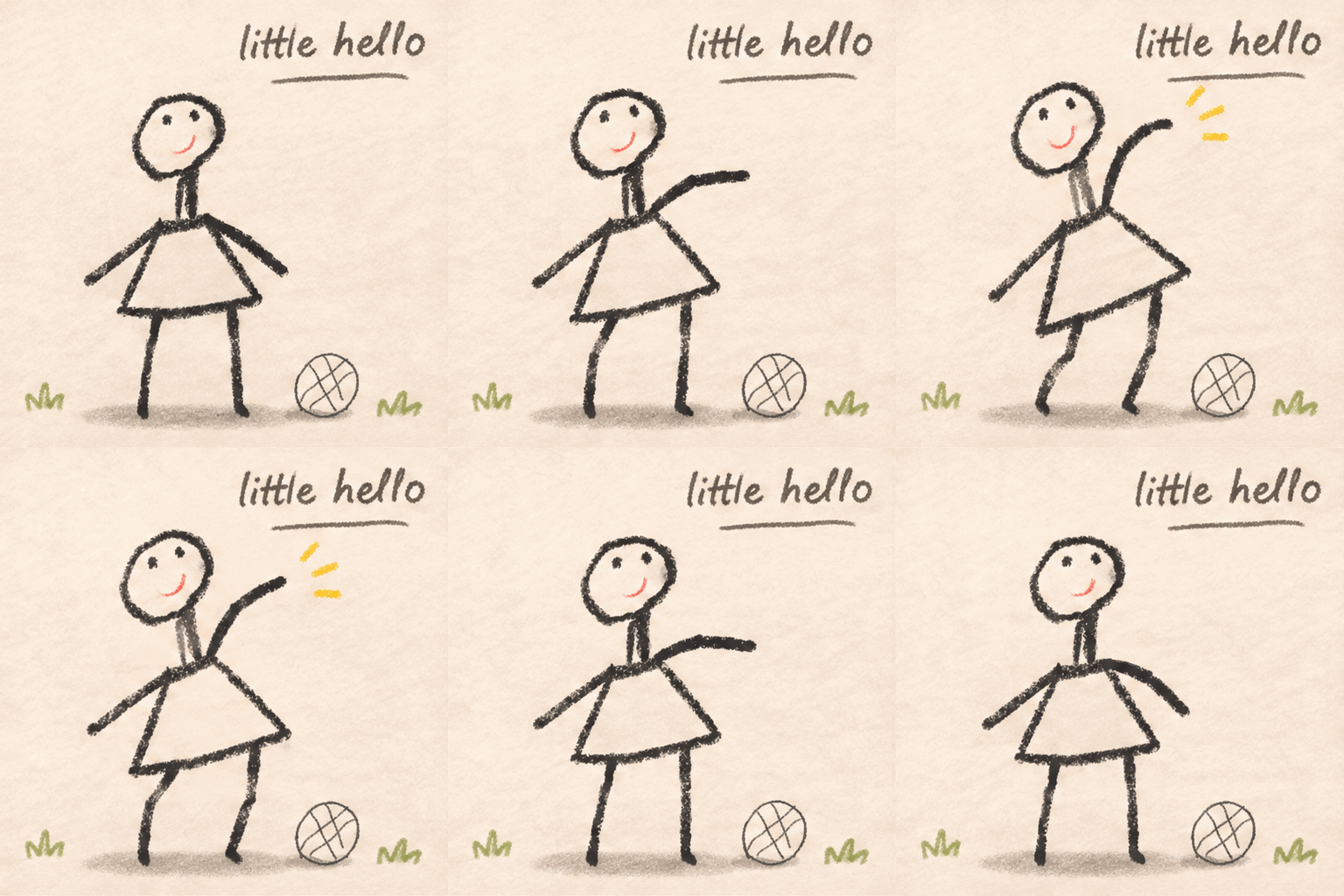
What is drawing-to-GIF animation?
Tokatlas Turn Your Drawing into a GIF is an AI tool that turns a still illustration or a child’s drawing into a looping animation. Upload one artwork and describe one action to animate a stick figure, animal or original character.
The source image guides the character’s silhouette, main colors and hand-drawn marks. It suits creators who want to bring a drawing to life without drawing every frame. Each generation produces one GIF, configured as 10 frames at 200 milliseconds per frame: approximately a two-second loop.
Ask for a wave, a nod or a gentle hop, and specify a short title or no text. Results vary with the artwork and action description. Start with one clear, repeatable movement.
Creation examples
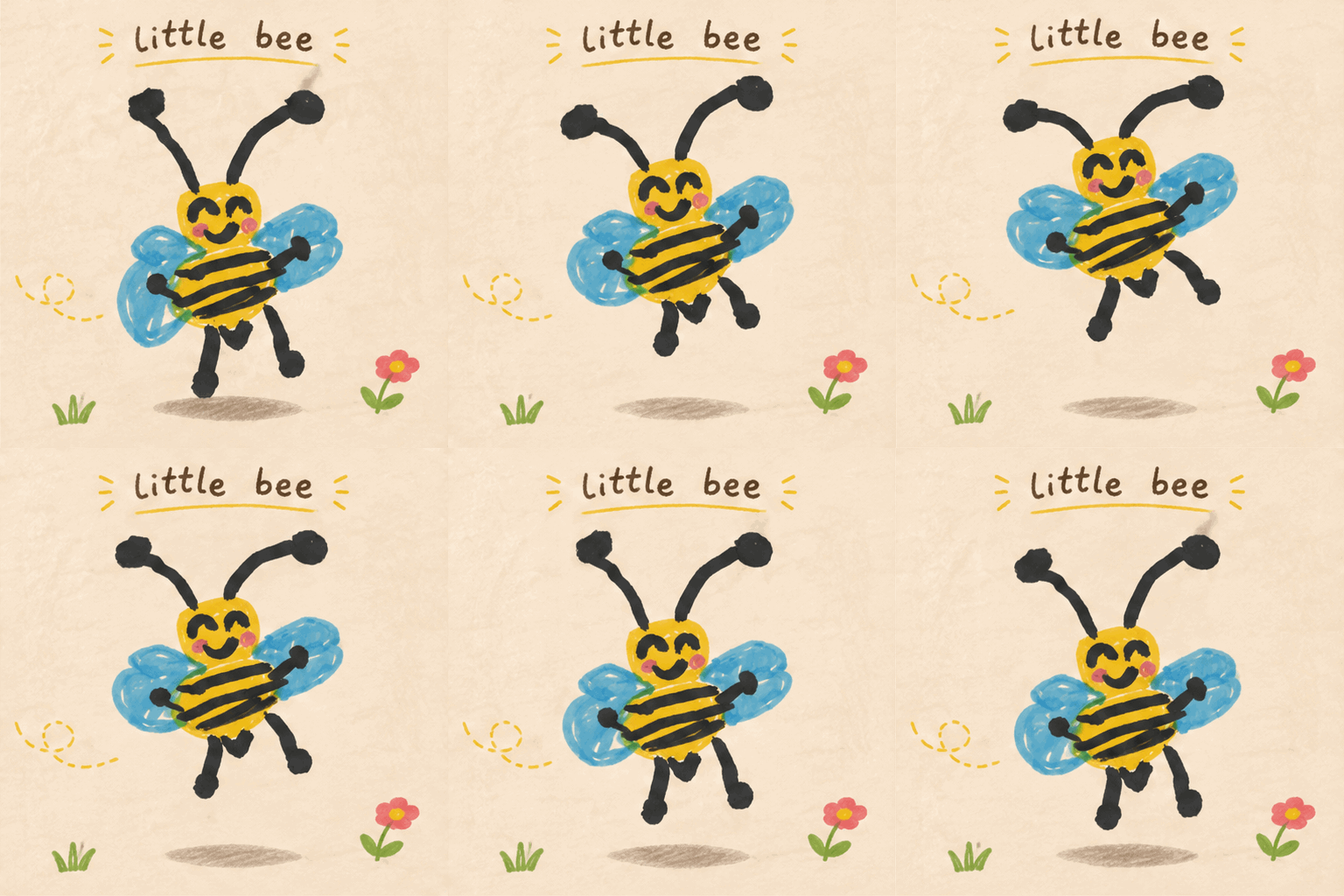
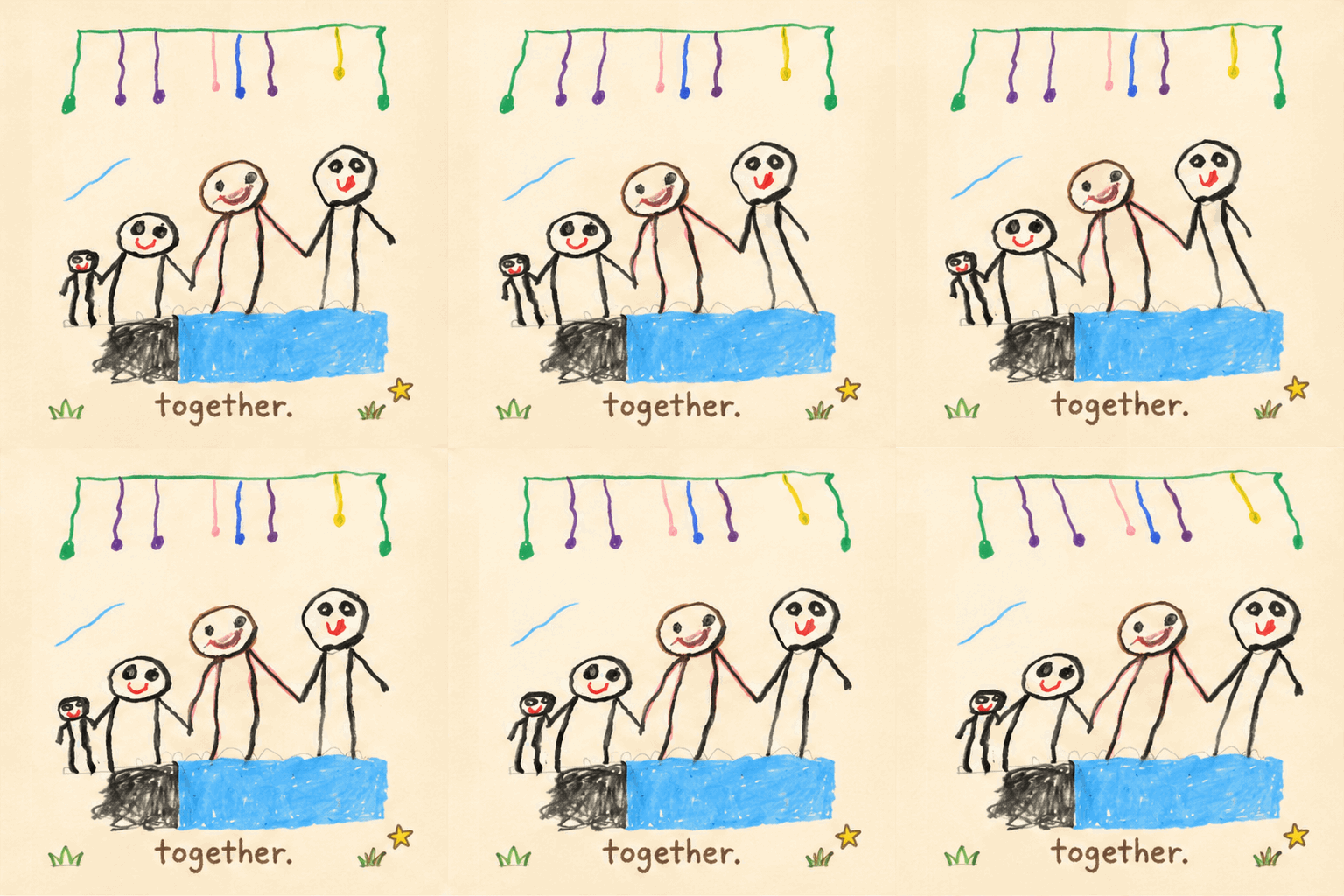
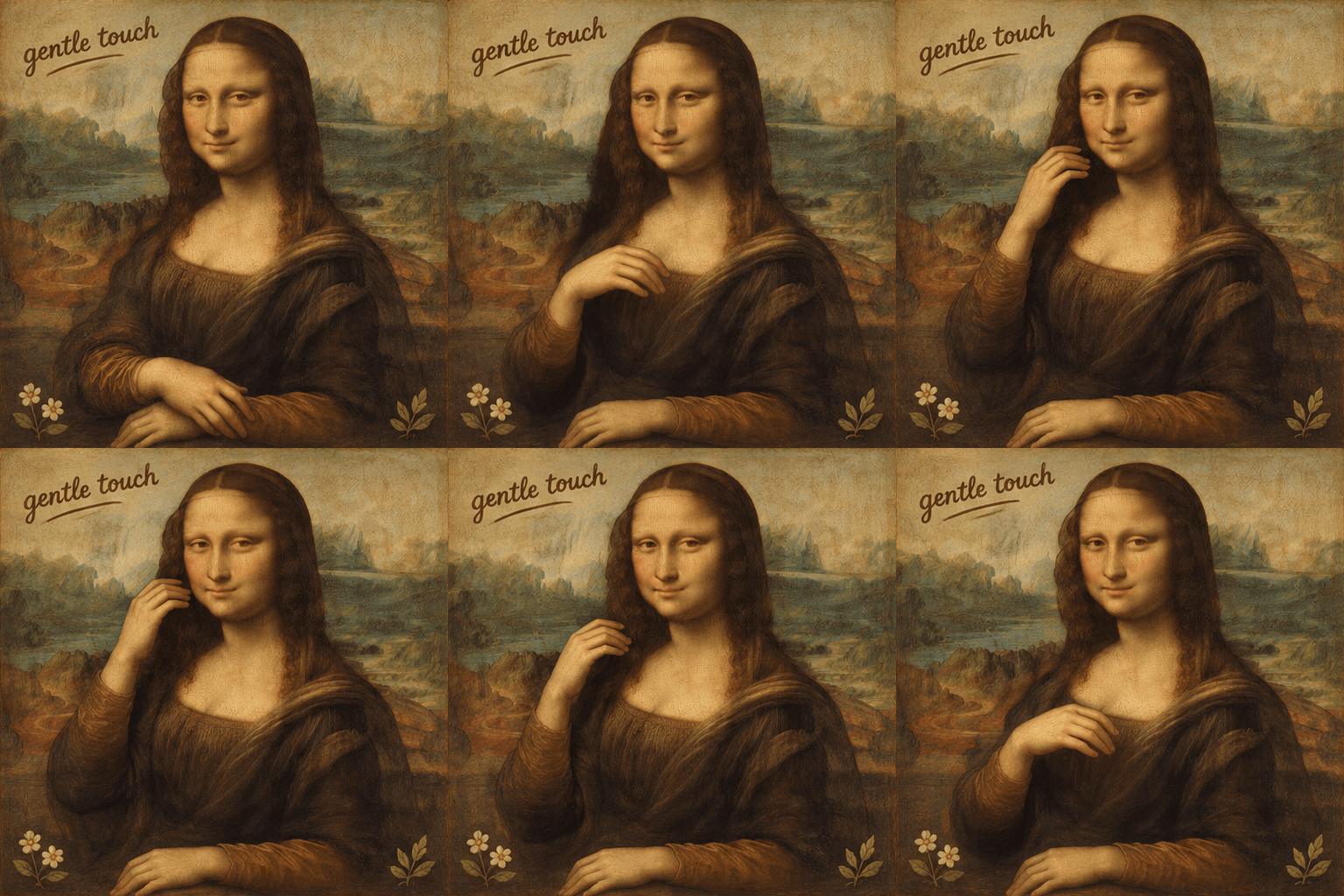
How to turn a drawing into a GIF
Start with one clear image and one short action. No frame-by-frame drawing is needed.
Upload one clear drawing
Choose a JPG, PNG or WebP image up to 10 MB. Photograph the page in even light, crop out hands and app controls, and keep the whole character visible.
Describe one looping action
Name the subject, the movement and the return pose. For example: “The character smiles, waves once, then lowers its hand.” Add “no text” if you want an artwork without a title.
Generate, review and download
Generate one GIF, then check the character, motion and loop seam. If needed, simplify the movement and generate again. Download the result for a greeting, a creative project or an online gallery.
Which drawings work well as looping animations?
From children’s art to original characters, extend a drawing’s story with a short loop.
Children’s art and keepsakes
Turn stick figures, animals or family drawings into moving memories. Begin with one main character and one action, using the original marks and imagination as the reference.
Original characters and portfolios
Let your own mascot nod, wave or gently hop. Explore its personality through a small animated piece for your illustration portfolio.
Greetings and celebrations
Make a short hand-drawn greeting GIF and request a brief title. You can also ask for no text and let the artwork carry the message.
Classroom and family creativity
Describe a starting pose, an action and a return to practice telling a visual story. For a group drawing, identify one main subject and ask the others to stay still.
A short loop shaped by your artwork
Use your source image and a clear action to guide a compact animated artwork.
Artwork-led character design
Your source guides the recognizable silhouette, colors and irregular hand-drawn marks. The prompt asks for restrained cleanup and a paper-like finish while keeping the original character as the reference.
Movement guided by your words
Describe a wave, nod, hop or another simple gesture. The prompt requests coordinated body motion and a return to the starting pose; review the result to check how it follows your intent.
Titles and accents you can direct
By default, the prompt requests one short handwritten title and a few thematic details. Supply your own title and language, or ask for no text and no added decoration.
One compact animated GIF
The current preset produces one downloadable GIF with a roughly two-second loop. It is designed for a short animated artwork, not a long video or an editable animation timeline.
Four tips for a clearer animated character
Start with a suitable source and one specific action that can return to its starting pose.
Prepare a clear, complete image
Make the outline clear, keep every limb visible and leave room for movement. Avoid glare, blurry photos and cropped hands or feet.
Choose one main action
A roughly two-second loop suits a wave, nod or gentle hop. Avoid packing walking, turning and picking something up into the same short loop.
Describe the return pose
Try “subject + action + return pose + preferences.” For example: “The little bee gently flaps its wings, bobs up and down, then returns to its original position. No text; keep the hand-drawn lines.”
Adjust one issue at a time
If the character distorts or the loop jumps, simplify the movement. If limbs leave the frame, use a source with more surrounding space. Keep titles short, or explicitly request “no text anywhere.”
Frequently asked questions
Which image formats and file sizes are supported?
Upload one JPG, PNG or WebP image, up to 10 MB. You can use a digital illustration or a clear photo of a paper drawing. Keep the whole character visible and crop out app controls, hands and unrelated background clutter.
Is the output a video or a GIF, and how long is the loop?
This play produces one animated GIF per generation. The current preset uses 10 frames at 200 milliseconds each, approximately a two-second loop. It is intended for a short repeating action rather than a long video.
How should I describe the action? Do I need English?
You can write in English or Traditional Chinese. Say which character should move, what it should do and how it should return to the starting pose. For example: “The character smiles, waves once, then lowers its hand.” Choose one main action rather than several events.
Can I remove the title, text or added decoration?
Yes. Explicitly request “no text anywhere” or “no added decoration” in your action description. The default prompt asks for a short handwritten title and a few thematic accents. “No subtitles” may still allow a decorative title. You can also supply your own short title and language.
Will the GIF exactly preserve my drawing? Why can distortion occur?
The source outline, colors and hand-drawn marks guide generation, but AI output is not guaranteed to match every pixel or remain identical across runs. Complex poses, overlapping limbs and multiple actions can increase distortion. Use a clear source, simplify the movement and check the limbs and loop seam afterward.
Can I animate stick figures or drawings with several people?
You can upload stick figures or artwork with multiple characters. Start by naming one main subject and one action, ask the other characters to remain still, and leave room for movement. Different simultaneous actions are more complex, so review the generated result.