

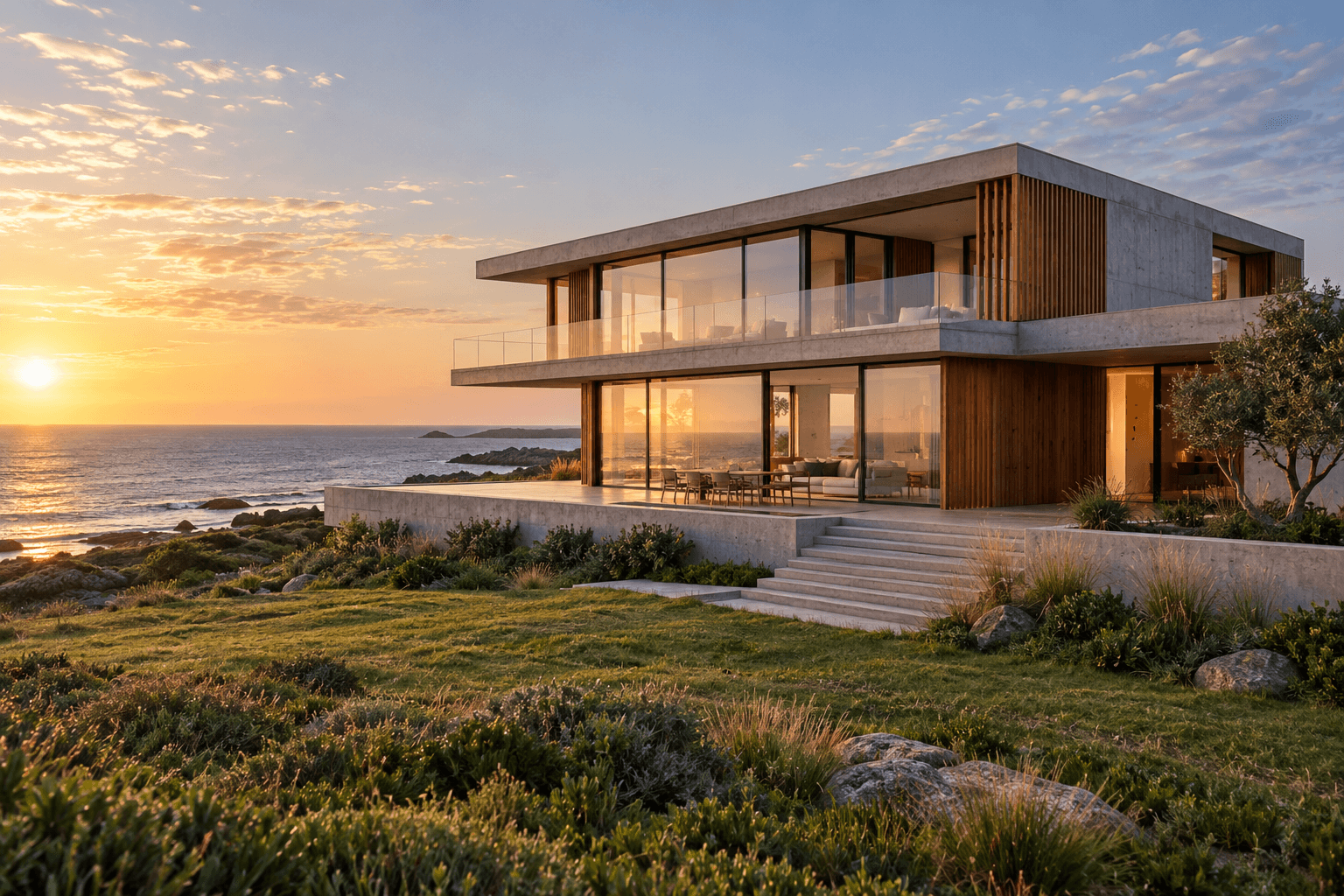
Loading your media…
Faster First Drafts
OpenAI reports that Flare can generate an image in as little as six seconds at low quality. Use quick drafts to compare layouts, crops, and lighting before rendering the version you plan to publish.
OpenAI image generation and editing model for fast creative iteration and interactive workflows.
Modalities
In / Out Price
20% off$4/ 1M
$5 Official price
$24/ 1M
$30 Official price
Released
Nov 3, 2026
POST /v1/images/generationscurl --request POST 'https://api.tokatlas.com/v1/images/generations' \
--header "Authorization: Bearer $UNIROUTER_API_KEY" \
--header 'Content-Type: application/json' \
--data '{
"model": "gpt-image-2.6-flare",
"prompt": "A serene koi pond at sunset.",
"size": "1024x1024",
"n": 1
}'Current provider · OpenAI
Platform configured price · Group: default
USD / 1M tokens. Each row shows input and output from the same tier. Displayed rates use the lowest available group multiplier; your API key group may differ.
OpenAI reports that Flare can generate an image in as little as six seconds at low quality. Use quick drafts to compare layouts, crops, and lighting before rendering the version you plan to publish.
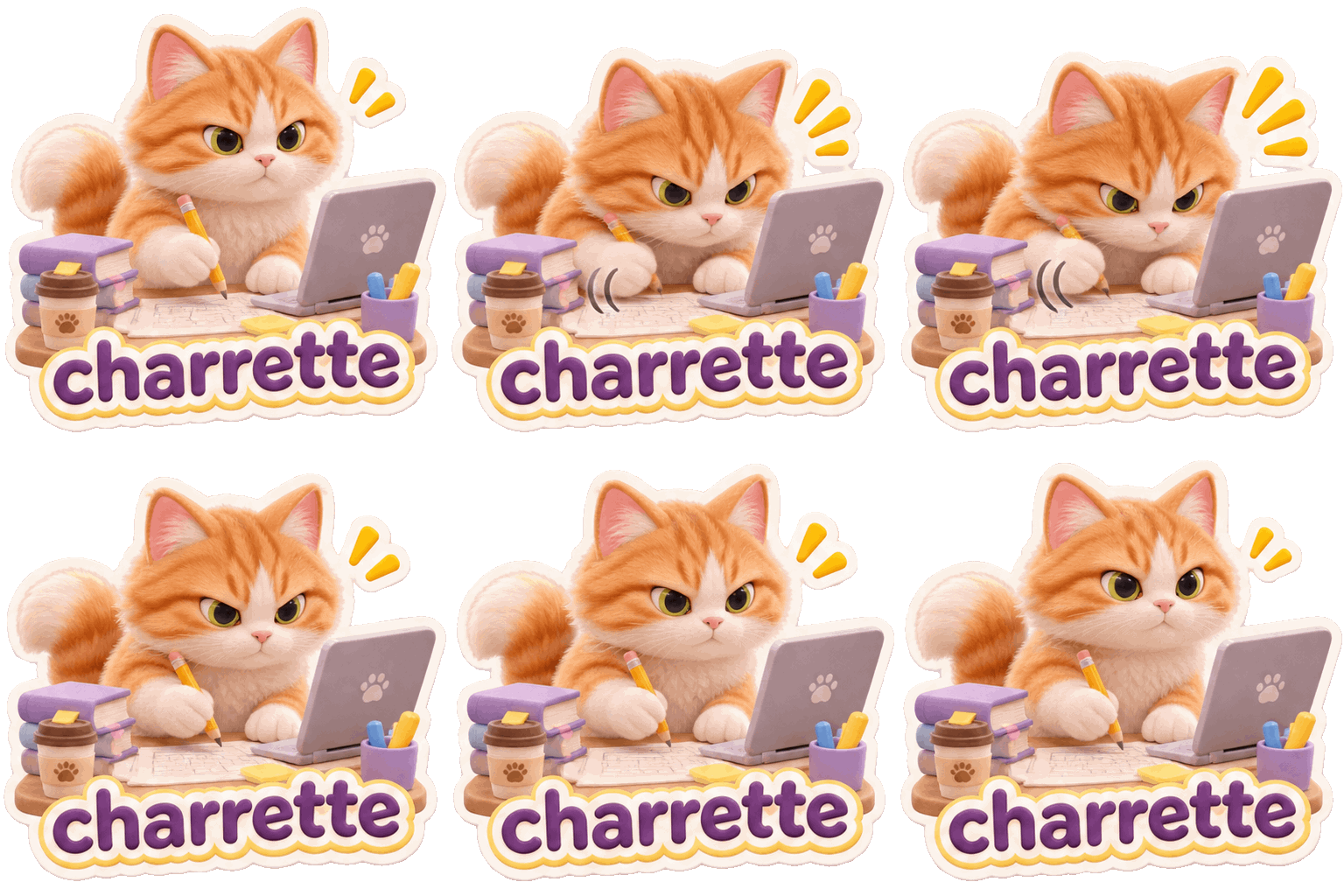
Test the timing and motion of a short loop as the tabby bends down to scribble and looks up again. Iterate on expressions or gestures using the same character.
Flare prioritizes producing an initial version quickly. Generate advertising layouts, product visuals, and social assets from text, then edit a source image locally. Fix the aspect ratio and copy-safe area while exploring alternatives.
Upstream controls separate composition planning from rendering quality. Compare complexity settings for first-draft speed and layout fidelity. Where region marking is available, use a reference to identify the exact area to edit.
Evaluate Flare for concept exploration. For detail-heavy edits to products or people, compare Sunburst with the same inputs and measure retries and time to a usable asset.
Evaluate initial generation separately from revisions. Compare focal point and speed first, then hold the source image fixed and track which regions change across edits. Use approved layouts as controls when comparing another image model.
Use it to compare framing, color or copy placement before committing to a design. Fix the subject and size, then change one element at a time.
If GIF is listed as an output format, start with one subject, a fixed camera and a simple looping action. For API requests, use the settings exposed by the local route.
Where SVG is available, use it for graphics you want to refine as vectors. Markup-guided editing uses a separate transparent annotation to point at a region in an existing raster image.
Replay familiar prompts at the same size and quality and include an edit. Check lettering, product appearance and the time spent reworking the result.